Creating a gaming setup can feel a little like building your own cozy spaceship. You pick the right equipment, tune the performance, and prepare for countless adventures. Whether you’ve just started exploring video games or you’re already deep into the hobby, designing the perfect setup is more than placing a desk and plugging in a monitor. It’s about comfort, style, performance, and—most importantly—enjoyment.
A well-planned environment helps you immerse yourself in virtual worlds, connect with friends, and unwind after a long day. In this guide, we’ll explore the pieces that make up a great gaming space—from furniture and lighting to sound and cable care. You don’t need expensive gear to enjoy gaming; what matters is finding what fits your space, budget, and personal style.
Why Your Gaming Space Matters
A good environment can completely change how you play. Imagine entering a room that’s just right: your chair supports your back, your screen sits at eye level, and your hands naturally rest on the keyboard. It’s similar to a driver settling into a well-adjusted car—suddenly, everything clicks.
Your gaming space isn’t only about performance. It’s also a place where you relax. When your equipment fits your needs, you enjoy longer, more comfortable sessions. The right mix of layout, flow, and atmosphere helps you feel at home instantly.
Planning Your Space
Before buying anything, take a quick look at the room you’ll be using. Pause for a moment and picture your room—how much space can you truly dedicate to your setup? Where are the power outlets? Does natural light come in? These small questions help determine what size furniture, display, and lighting you’ll need.
A tiny corner can become an epic command center when arranged properly. Think about where you walk, sit, and store things. The goal is smooth movement and minimal clutter.
Choosing the Right Desk
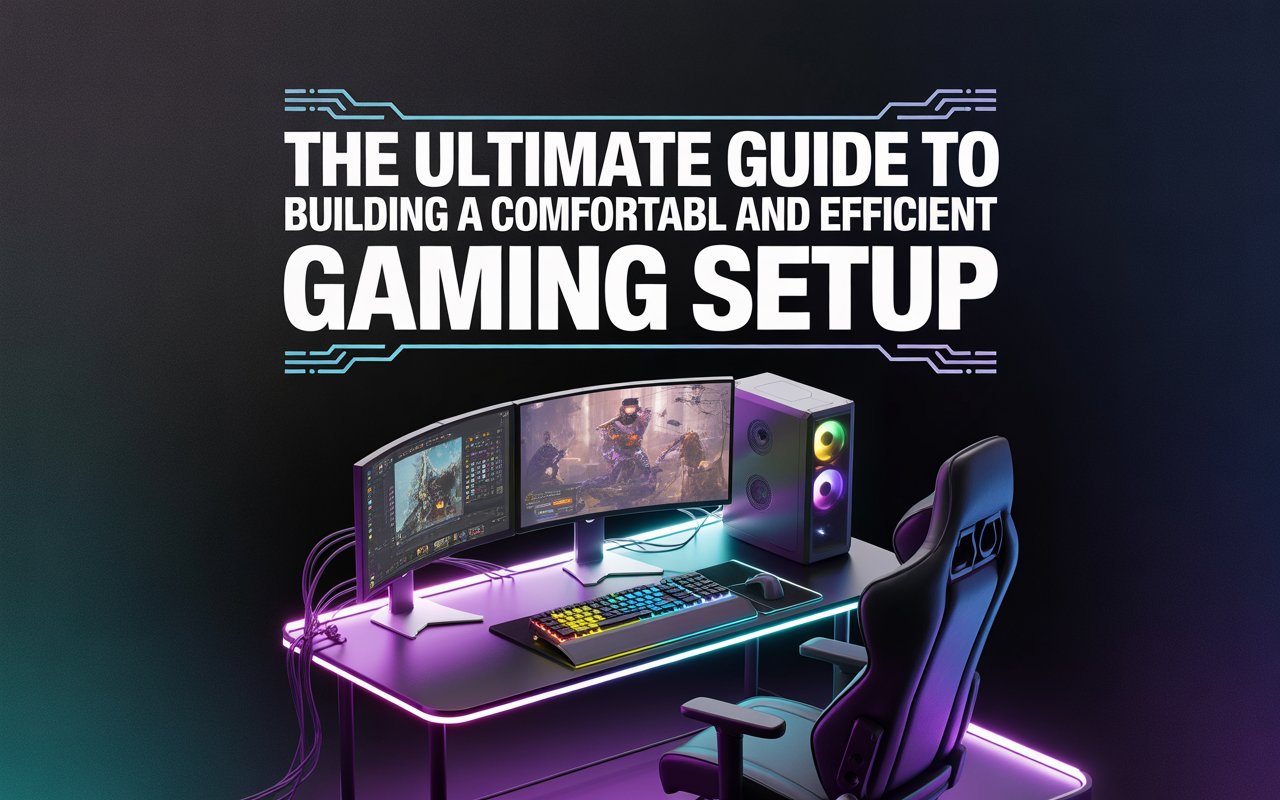
Your desk is the main platform of your setup. It holds everything—your screen, keyboard, mouse, and snacks—so it pays to choose a strong and comfortable one.
Stability and Size
A stable surface keeps your monitor steady and helps your hands feel relaxed. A shaky table can be distracting, especially during intense games. Pick a desk wide enough to fit your gear with room for movement. Extra space feels luxurious, even if you only need a little.
Material and Style
Wood gives warmth and style; metal feels modern and steady. Pick what suits your taste. Some players like curved surfaces, while others prefer simple rectangular tables.
Picking a Comfortable Chair
A chair is your throne. Since gaming often involves long hours of sitting, comfort is just as important as looks.
Back Support
Find a chair that supports your lower back. Proper support keeps your body aligned, reducing fatigue so you can focus on the experience instead of your posture.
Adjustability
Height control, arm movement, and back angle let you fine-tune your seat. Everyone’s body is different, and adjustable features help you find the perfect fit.
Displays: The Eye to Your Game World
Your screen is where you see every detail—character faces, colorful landscapes, and quick action.
Display Size and Placement
A screen that’s too small or too large can be uncomfortable. Place it at eye level to avoid neck strain. A distance that’s roughly the width of your arm usually works well.
Smoothness and Clarity
Some displays show smoother motion, helping fast action look crisp. Others focus on deep color and sharp images. Think about what kind of games you enjoy. Fast-paced shooters benefit from speed; story-heavy titles shine in rich visuals.
Input Gear: Keyboard, Mouse, and More
These tools are your hands’ voice. The right ones help you play comfortably and confidently.
Keyboard Choices
Some people like a soft press; others prefer a clicky feel. Pick something that suits your touch. A compact keyboard saves space, while a full-size one offers more keys for shortcuts.
Mouse Comfort
A good fit matters. Your mouse should rest naturally in your hand, letting you move easily without strain. Smooth motion makes every click count.
Optional Accessories
Controllers, pads, and wheels allow different styles of play. Pick what makes your experience fun.
Audio: Hearing the Game Come Alive
Sound adds depth to the worlds you explore. It can send chills down your spine or help you detect an opponent nearby.
Headphones and Speakers
Headphones offer privacy and detail, while speakers fill the room with rich tones. Neither is better; it depends on your environment and preference.
Comfort and Control
Padded headsets with easy volume controls keep you comfortable. Long sessions are easier when your ears feel good.
Lighting and Ambience
Lighting sets the mood. Ever noticed how movies look better in a dim room? The same idea works here.
Eye Comfort
Soft room lighting reduces strain caused by bright screens in dark spaces. A small lamp or LED glow around the desk can make a big difference.
Color Themes
Some people enjoy cool colors; others prefer warm tones. Play around to find what feels right. Lighting doesn’t have to be flashy—just pleasant.
Cable Management
Cables can quickly turn into a jungle. Tidy wires make your space safer and calmer.
Simple Solutions
Clips, sleeves, and ties help guide cables neatly. When cords stay organized, cleaning is easier and your desk looks more inviting.
Cooling and Airflow
Electronics make heat. Too much heat can cause slowdowns or shorten a device’s life.
Good Placement
Give your machine room to breathe. Avoid pushing it against walls or blocking vents. Even small gaps help air flow and keep things cool.
Regular Cleaning
Dust builds up over time. Clearing it every few months keeps fans spinning smoothly and reduces warmth.
Adding Style
Your gaming space reflects your personality. Small touches transform a plain desk into a creative station.
Personal Items
Posters, photos, or small figures add charm. They can make your corner feel special and familiar.
Color Blends
Matching colors or mixing shades gives your space rhythm. You don’t need a designer—go with what feels pleasant.
Storage and Organization
Clutter can trip you up—literally and mentally.
Smart Spaces
Drawers, shelves, and small boxes help keep items out of sight yet close at hand. A clean surface keeps your mind clear.
Upgrades and Improvements
Your first setup doesn’t have to be perfect. Start simple, then improve over time.
Gradual Changes
Maybe begin with a comfortable chair and a basic screen. Later, add better speakers or new accessories. Each improvement builds on what you already enjoy.
Repurposing Items
Sometimes you already own helpful pieces—a lamp, a table, or storage containers. Use what you have before buying more.
Budget Tips
A well-planned setup doesn’t mean spending tons of cash.
Prioritize
Focus on comfort first—often a good chair brings the biggest difference. Next, consider the display. After that, the rest falls into place.
Deals and Alternatives
Used items or older models can be more affordable yet work great. Look around for offers before deciding.
Making Your Space Your Own
Your gaming setup is your personal retreat. It’s where you unwind, laugh with friends, or venture into new lands. No setup is “correct”; the best one is the one that fits you.
Think of building your space like painting a picture. Each choice adds color—your chair, desk, lighting, and décor. When finished, it tells your story.
Conclusion
Building a comfortable gaming setup is an exciting journey. You don’t need a huge budget or a fancy room. What matters is the balance between comfort, practicality, and personal style. Start with the basics: a supportive chair, a fitting desk, and a well-placed display. Then gradually add items that enrich your space—better sound, calming lights, or clever storage.
The goal is simple: create an environment where you love spending time. When your space feels right, games become more enjoyable, and the hours fly by.
FAQs
1. Do I need expensive equipment for a good gaming setup?
No. Comfort and thoughtful planning matter more than cost. Start with what you have and upgrade slowly.
2. How important is chair comfort?
Very. A supportive seat helps prevent back strain and lets you enjoy longer sessions without discomfort.
3. Can I build a gaming setup in a small space?
Yes. With smart organization and the right furniture size, even small corners can work beautifully.
4. Are headphones better than speakers for gaming?
Neither is best for everyone. Headphones offer privacy and detail, while speakers create a room-filling experience.
5. What should I upgrade first in my setup?
Usually, start with a comfortable chair and a suitable display. These have the biggest effect on your enjoyment.